


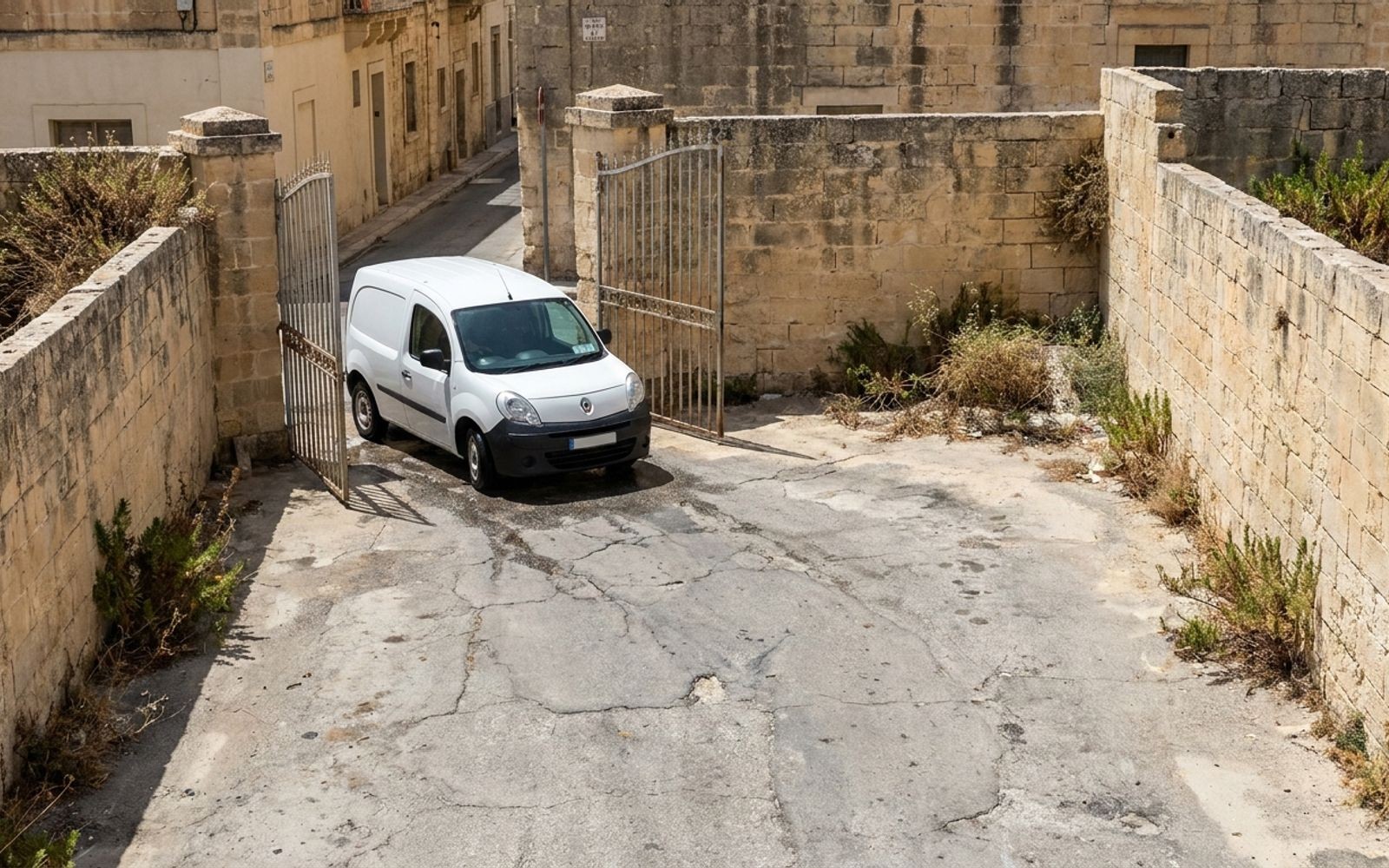
You draw a circle round the yard on a Tuesday afternoon, tick Left Geozone, and by Friday the alert is switched off. It fired eleven times before eight in the morning, and every one of them was a van leaving to do its job.
That is how most people meet geofencing in Malta, and it is why the feature has a reputation for noise it does not deserve. The shape was fine. What was missing was a size, a schedule and a reason.
Here is what we would draw first, how big, and what to put on top of it.
What geofencing in Malta actually does
A geofence in Yipii is a shape on the map that other things can read. You make one under Alerts, then Geozones, then New Geofence, and it becomes available to alerts, to reports, to routes and to tracking links.
Two shapes, and the choice is not a matter of taste.
| Shape | What it needs | When to use it |
|---|---|---|
| Circle | A pin and a radius | A site with a rough centre. A depot, a school, a customer you visit twice a week |
| Polygon | Three or more corners | An area whose edges matter. An industrial estate, a quarry, a stretch you do not want vehicles on |
The order catches people out. The zone has to exist before an alert can point at it, so draw the places first and build the conditions afterwards. Three alert conditions read a zone: Entered Geozone, Left Geozone and Near Geopoint. In the alert itself they are attached under Targets, which is the tab that does nothing on any other kind of condition.
Since the geofence library shipped, the zones sit in one place and each one is categorised as a depot, a warehouse or a site, so a zone drawn for an alert is already there when you go to build a route or send a link.
The five zones worth drawing first
Most fleets here need fewer zones than they think. Five covers the ordinary week.
| The zone | What it earns you | Size |
|---|---|---|
| Your yard or depot | First out and last in, without asking anybody. Also the zone that makes a 02:00 movement mean something | Circle, 100 to 250 m |
| Overnight parking, if it is not the yard | A van that should be home at 19:00 and is not. The one zone worth an alert on arrival rather than departure | Circle, 100 to 250 m |
| The industrial estate you work out of | Mrieħel or Ħal Far as one area rather than nine customers. Time on site stops being a phone call | Polygon, 800 to 1,000 m across |
| Ċirkewwa, and Mġarr on the other side | A Gozo run is two arrivals and a crossing. The terminals are what you can actually put a boundary on | Circle, 250 m |
| Your three busiest customers | Arrival times you can quote back when somebody says nobody came | Circle, 100 to 150 m |
How big to draw it, and why the size is the whole job
Size is what separates a zone that works from a zone that gets muted. Yipii's own guidance is 100 to 250 metres for a yard or a school gate, and 800 to 1,000 metres for an industrial estate or a port.
Draw it too small and GPS drift makes a van parked at the gate flip in and out, raising an alert each time. Draw it too large and it catches vehicles that were only driving past, which in Msida means most of them.
That second failure is the local one. A customer on a busy road gets a 400 metre circle, and by the end of the week the zone has logged every van heading into Valletta as a visit.
Why it fires all morning, and how to stop it
Two settings, and between them they fix nearly every noisy zone.
Under Advanced there are dwell timings, defaulting to 120 seconds for arrival and 30 seconds for departure. A vehicle has to stay that long before Yipii calls it an arrival or a departure. It is worth being clear about what these do: they debounce the detection, so a van rolling past the gate is not a visit. They do not raise the alert.
The Schedule tab is the one that saves you. An alert restricted to the hours where it means something stops the depot firing every morning as the fleet legitimately leaves. Left Geozone on the yard between 21:00 and 05:00 is a useful sentence. The same condition with no schedule is eleven notifications before eight.
Newer alerts can also be set to fire once and disarm themselves, or to stop after a set number of triggers, which suits a zone you care about on one particular day. Notifications can go to somebody outside your account by email or WhatsApp, so a site foreman who has no login can still be told the delivery has arrived. Push is free and instant and shows even when the app is closed, which makes it the sensible default for everything else.
What a geofence will not tell you
Alerts are evaluated on data coming in from the tracker. A device that has gone quiet crosses every boundary you drew and raises nothing at all, and the map simply shows the vehicle where it last reported.
So zone alerts are only as good as the device health alerts sitting beside them. Switch on Tracker Offline and low battery next to the geozone conditions, or the silence reads exactly like a vehicle that stayed home.
The Gozo crossing is the honest local case. The trail can gap on the ferry until the device reconnects, so put your boundaries on the terminals at Ċirkewwa and Mġarr, where the vehicle is reporting, rather than expecting a clean line across the channel.
Where a zone gets used besides alerts
This is the part that pays for the drawing, and most operators never get to it.
Zones feed reporting. Point visits become a report you can export to PDF, Excel, JSON or HTML, which is how a month of arrival times at one customer turns into an attachment rather than an argument. There are 29 report types in total and six of them sit on the front screen.
Zones also set the end of a tracking link. A link defaults to an hour, and an until-arrival link closes itself when the vehicle reaches the destination instead of running on a timer. We wrote about what happens to a tracking link after you have sent it, and the destination zone is what makes the tidy version of that possible.
And when a complaint turns up three weeks late, the zones are what turn a trail into times somebody can read. That is the same job as replaying a route after a complaint, with the arrival already marked.

How to check where you stand
Five things, this week, and none of them needs a purchase.
- Count the zones you have. If it is more than about eight and you are running ten vans, the noise is coming from the count rather than the settings.
- Open the noisiest zone alert and look at the Schedule tab. If it is unrestricted, that is the fault.
- Measure your yard zone against the building. Anything under about 100 metres will flip on drift.
- Check whether Tracker Offline is switched on for the same vehicles the zone alerts cover. If not, the zones are reporting on trust.
- Run a point-visit report for one customer for last month, and see whether the arrival times match what you would have told them on the phone.
Common questions
Do I need a zone before I can build the alert?
Yes. Create the geofence first under Alerts, then Geozones. An alert that references nothing is the commonest reason a geozone condition never fires.
Why does the same van keep entering and leaving overnight?
The zone is too small for the accuracy you are getting, so the parked vehicle drifts across the boundary. Widen it towards 250 metres, or raise the arrival dwell time.
Can a zone cover a whole industrial estate?
Yes, and a polygon is the right shape for it. Yipii's guidance is 800 to 1,000 metres for an estate or a port, drawn to the edges that matter rather than as a circle that swallows the road outside.
Will a geofence alert somebody who does not use Yipii?
Yes. Alerts can notify people outside your account by email or WhatsApp, without giving them a login.
Does a zone work if the vehicle has no tracker of its own?
Not on its own. The zone is read against positions reported by a tracker, so a piece of equipment with no device of its own is not crossing anything. That is a different conversation about what to fit, and it depends on whether the item moves with a vehicle or sits on its own.
How many zones is too many?
The limit is attention rather than software. If nobody can say what each zone is for without opening it, there are too many.
What we would do next
Draw two zones this week and nothing else: your yard, and the customer who complains most. Put Left Geozone on the yard with a schedule of 21:00 to 05:00, and leave the customer zone with no alert at all for a fortnight, so it quietly builds a visit history you can use later.
If you would rather not guess at it, tell us how many vehicles you run and where they work, and we will send back the zones we would draw first for a fleet that shape, with sizes. It costs nothing and you can draw them yourself in whatever you are using now.
If you want the tracking underneath it sorted, the plans and what each one includes are on the pricing page, published rather than quoted on request, and the hardware we fit is listed with them. What it works out at for your fleet is a short conversation, because it depends on the vehicles and the features rather than on a headline figure, and we would rather have that conversation than send you a form.
Sources
Read on 8 September 2026.
- Yipii IoT documentation, geofences, alerts and reports
- Yipii IoT release notes, 5 June to 23 July 2026
Chris Bartolo, Founder. Current at 8 September 2026.